The visit, documented
Documentation
Rooftop service · AHU-02
What you found
Filter condition checked. Fan assembly inspected.
What you did
Replaced the filters and recorded the follow-up checks.
 GroundBoot
For the people who do the work
GroundBoot is the maintenance app for field professionals. Organize your jobs, capture what you find and keep a useful record of the work.
For technicians, mechanics, contractors and the people who keep buildings running.

The part that follows the work
The job is finished. Now you’re chasing photos, remembering which parts you used and turning a full day into a report.
The details get harder to recall once you’ve moved on.
Bring the record alongGroundBoot brings it together
With GroundBoot, add the details as you go. The Assistant can help shape your notes into a draft. You review what’s saved, then finish with a record ready to check and share.
A little help to get started.Free includes a limited Assistant tryout. Plus adds more Assistant use, more cloud storage and report tools.
Start for freeFrom the job to what comes next
Whether you’re documenting a visit, building a work report or preparing an invoice, start with the details you’ve already captured in GroundBoot.
Find your planAn issue to explain.
The work completed.
Minutes on the job.
What you noticed.
Materials used.
Costs to record.
What it looked like.
Changes to remember.
Where’s that photo?Which parts did you use?How long did it take?
GroundBoot · Work record
Everything you added, together with the job.
Your review comes before saving.
The visit, documented
Rooftop service · AHU-02
Filter condition checked. Fan assembly inspected.
Replaced the filters and recorded the follow-up checks.
A clear account of the work
Rooftop service · AHU-02
Prepare for billing
Bring the job details to your invoicing tools.
Start with the record.
Finish in your billing workflow.
Photos, notes and time, ready for your review.
Reuse them for reports, handoffs and invoice preparation.
For teams and larger operations
Bring people, equipment and properties into the same picture as your operation grows.
Coordinate shared work with Teams. Explore connected-building views and custom integrations for more complex operations.
Connected-building capabilities are in private preview or offered through Enterprise agreements. Conceptual building view.

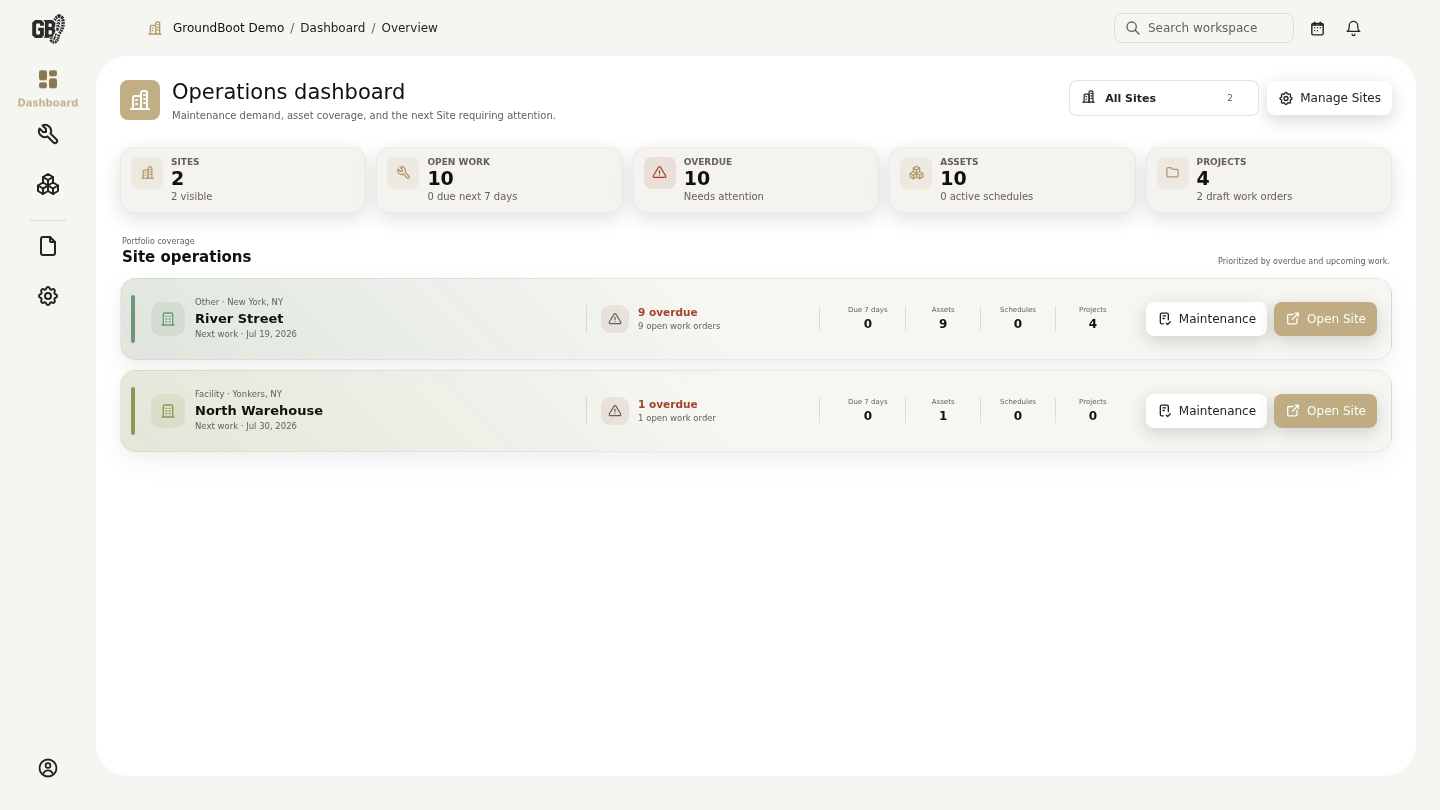
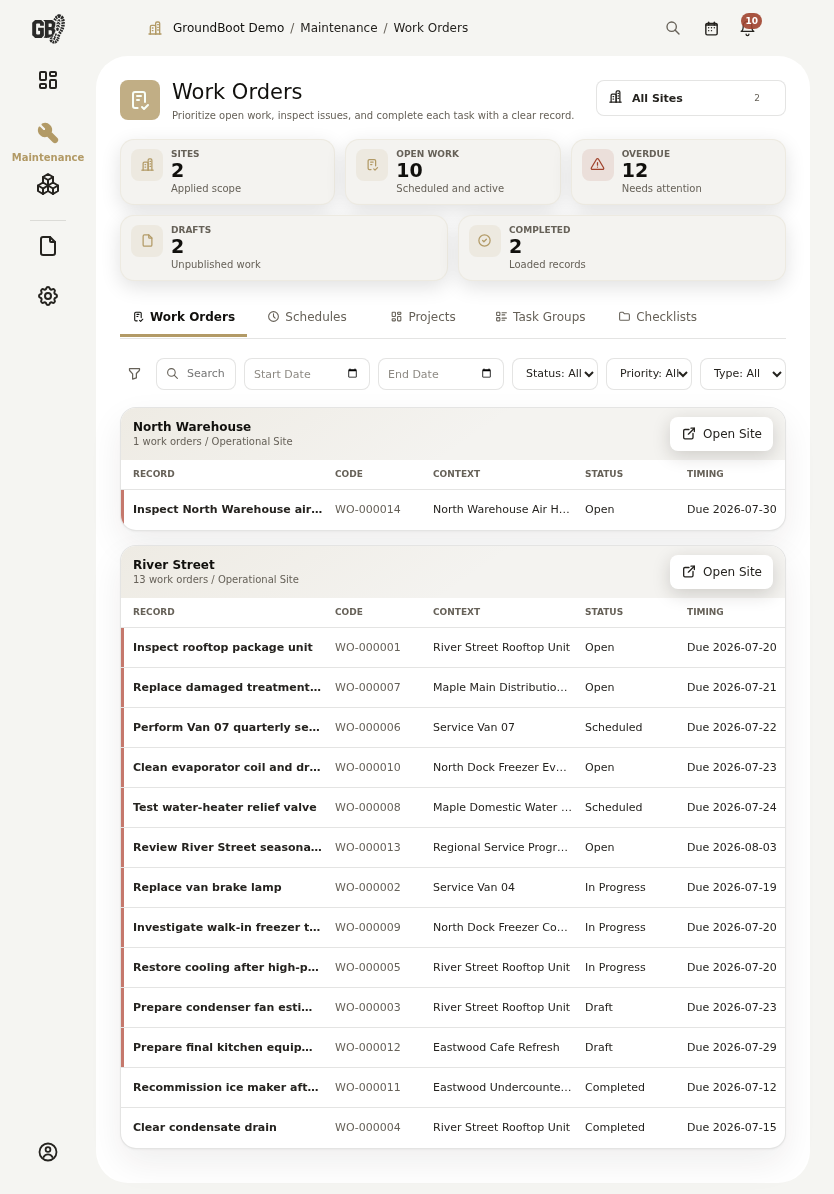
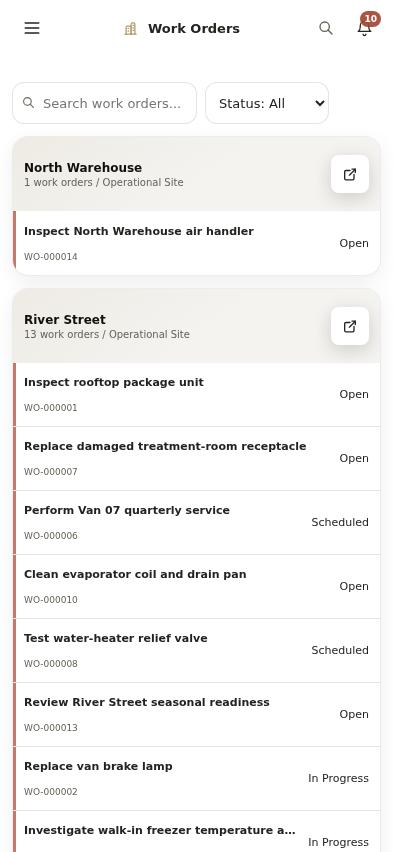
From the field to your desk
Pick up the job on your phone. Review the details on a bigger screen when you’re back.
Start with your own work. Plus adds more cloud storage, recurring maintenance and expanded web tools.
Create your free accountA better record starts here
Bring your jobs, notes and work history together. Start free with the next visit.
Create your free accountNeed more? Compare Free and Plus for more cloud storage, schedules and more Assistant use.